
The two video baby monitors we compared
Start with how you want to watch. The Infant Optics DXR-8 PRO shows video on a dedicated parent screen, with no WiFi or app. The eufy E21 also has a parent screen, and it adds an optional phone app that needs an account. These two show the split clearly. This is a two-model comparison, not a ranking of the whole market.

Infant Optics DXR-8 PRO — one-camera kit
For parents who want a dedicated parent screen, with no app, WiFi or account.
Amazon listing details
Infant Optics DXR-8 PRO - Patented Active Noise Reduction (ANR), 5” HD Video Baby Monitor with 1 Camera, No WiFi, Hack-Proof,Pan Tilt Zoom, Interchangeable Lens
ASIN: B08FF4GV5C
What the sources say
- The maker lists no WiFi or apps, and a 5-inch HD display.
- The camera pans and tilts, with interchangeable lenses.
- It lists a replaceable monitor battery, active noise reduction and a single-view mode.
- The Amazon listing we checked is a one-camera kit. Infant Optics also sells a separate PRO SS, so check the name.
Trade-offs
- You cannot watch on your phone.
- Check the exact model: the PRO SS is a separate product.

eufy Baby Monitor E21 — camera and monitor kit
For parents who want a parent screen and the option to watch on a phone.
Amazon listing details
eufy Security Baby Monitor E21 with 4K UHD Camera, 5'' 720p Display, 8X Zoom, Hybrid Wi-Fi and No Wi-Fi Connection, 24/7 Recording in app, Pan-Tilt, Portable Camera with Built-in Battery, ANR
ASIN: B0DDXCWMRK
What the sources say
- eufy lists a 4K camera, parent monitor, charging base and cradle stand for its US kit. Confirm the included accessories on the Amazon listing.
- The Amazon listing shows a 5-inch 720p display and pan/tilt.
- App setup needs an eufy account and 2.4 GHz WiFi.
Trade-offs
- More to set up if you want the app.
- The 4K camera feeds a 720p handheld display; a higher camera resolution does not upgrade that screen.
Local screen or app: how each one connects
A local-screen monitor links the camera to a dedicated parent screen. It does not use WiFi or an app. The DXR-8 PRO works this way. An app monitor sends video through your home WiFi to a phone. That lets you watch on a phone, but it adds an account and a setup step.
The eufy E21 offers both. Its model support page confirms local and WiFi viewing. Follow the E21 setup instructions when choosing a connection mode. We did not test how well either connection holds up.
If you use an app, review the account password, software updates and encryption settings. The FTC's guidance for home cameras covers these. We did not audit either product's security.
DXR-8 PRO vs eufy E21: what differs
Both kits have a 5-inch parent screen. The table lists the differences we could source. One trap: the E21's 4K belongs to the camera, not to the handheld screen. HD and 720p labels come from different sources, so we did not rank picture quality.
| Feature | Infant Optics DXR-8 PRO | eufy E21 |
|---|---|---|
| How you watch | Parent screen only | Parent screen, plus a phone app |
| Parent screen | 5-inch, HD (maker's page) | 5-inch, 720p (Amazon listing) |
| Camera | Pan/tilt, interchangeable lenses. Resolution not stated in our sources. | 4K, with pan/tilt on the Amazon listing |
| WiFi and account | No WiFi or apps listed | App is optional. Setup needs an account and 2.4 GHz WiFi. |
| In the kit | One camera (Amazon listing) | US maker kit: camera, monitor, base, stand; confirm retailer contents |
| Subscription | No app to subscribe to | eufy's WiFi collection page says core features need none; check current E21 terms |
| Monitor battery | Replaceable | Not checked |
Subscriptions, accounts and everyday costs
Check what comes with the kit before comparing the price. The eufy WiFi baby monitor collection page says live view, cry or motion alerts, two-way audio and night vision need no subscription. Confirm current E21 terms. Confirm video-history and storage terms separately. The DXR-8 PRO has no app to subscribe to. The E21 app needs an account and 2.4 GHz WiFi for setup; follow the current Anker eufy app instructions linked below.
We did not measure or test:
- Indoor range
- Battery life
- Night picture quality
- Connection reliability
- Security and privacy
Placing the camera and keeping cords safe
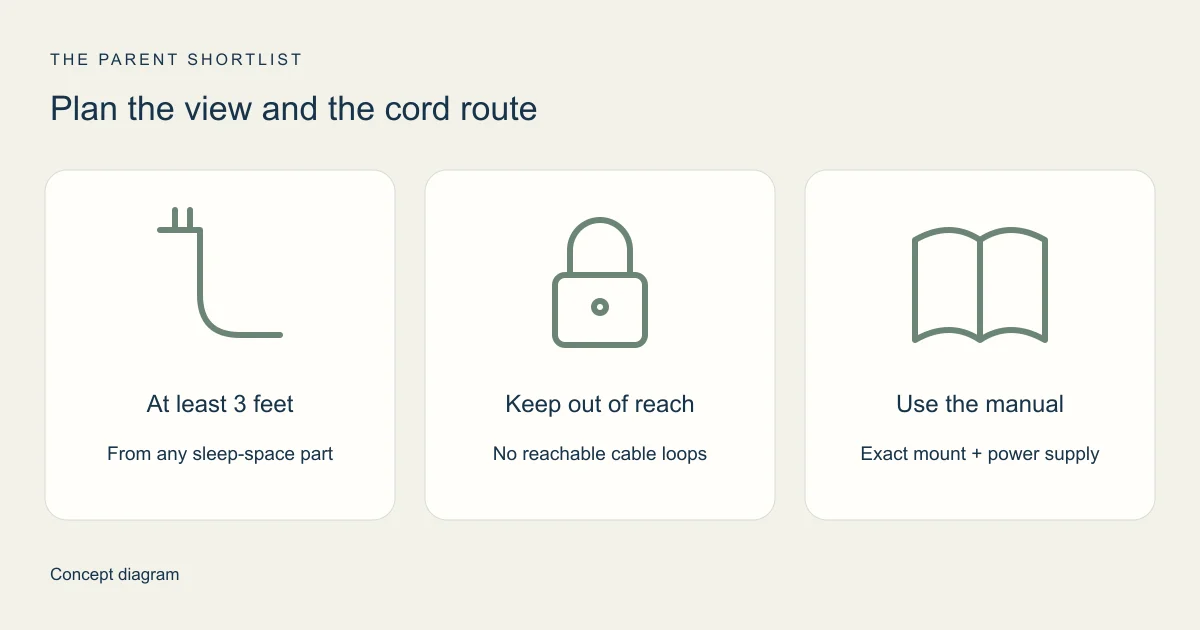
The CPSC says cords should stay at least 3 feet from any part of the sleep space, and out of reach. Check the entire cord path, including loose loops. Follow your monitor's mounting instructions, and recheck the cord path as your child grows.
A video monitor helps you look in; it does not replace supervision or safe sleep practices. The FDA says no baby product is cleared or approved to prevent or reduce SIDS risk.
Questions parents ask about video baby monitors
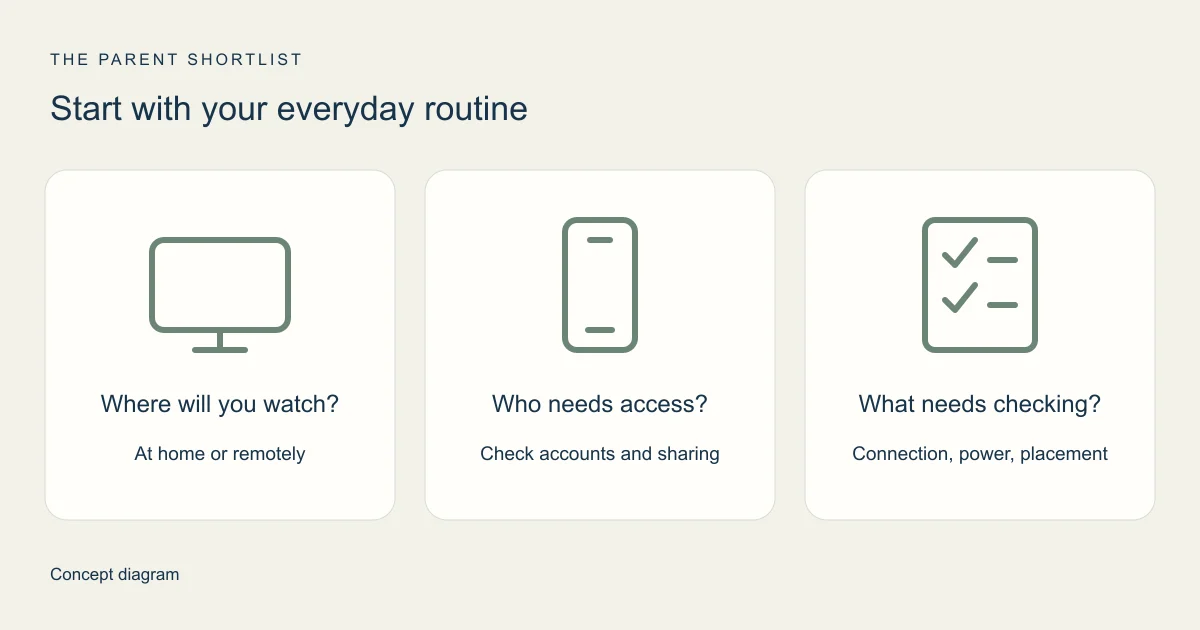
Think about where you will watch, who needs access and how you will place the camera. Those choices matter more than the longest feature list.
Which one should I choose?
Start with how you want to watch. The DXR-8 PRO suits a screen-only setup with no app or account. The E21 suits you if you want phone viewing and accept an account and WiFi setup.
Does the eufy E21 need a subscription?
eufy's WiFi baby monitor collection page says core features need no subscription. Confirm current E21 terms, especially video history and cloud storage.
Is a 4K camera the same as a 4K screen?
No. The E21's 4K is the camera. Its handheld display is listed at 720p.
Does a monitor replace watching my baby?
No. It adds another way to look in. See the FDA note above.
Sources and how we checked
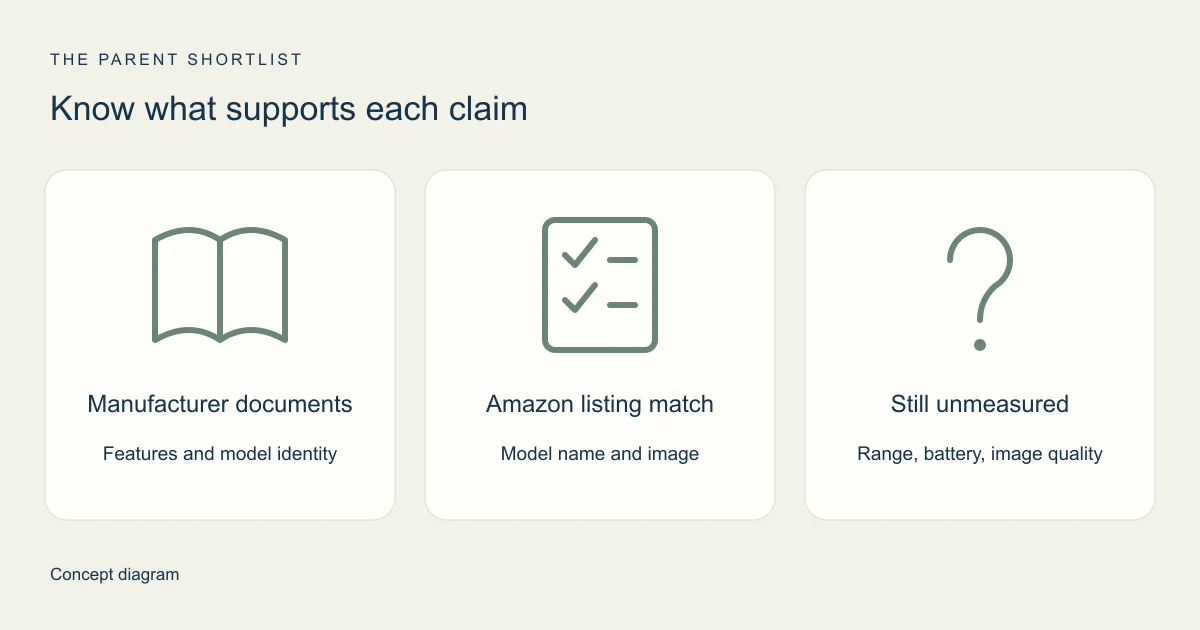
We checked these sources on October 22, 2026; the full manuals were not readable, as noted below. This is desk research. We did not test either monitor, and maker pages describe what the makers say. Amazon supplies listing titles, images and links, but a listing is not proof of stock, price or performance. We also ran no full recall check, so look up your exact model on CPSC.gov before you buy.
- Infant Optics: DXR-8 PRO product page (opens in a new tab)
- Infant Optics: support and manual index (opens in a new tab)
We could not independently read the full manual, so we skipped manual-only specifications.
- eufy US: E21 kit page (opens in a new tab)
- eufy support: Baby Monitor E21 model page (opens in a new tab)
- eufy support: E21 user guide (T8354) (opens in a new tab)
Confirms the model number. We did not read the full guide.
- eufy support: E20 vs E21 differences (opens in a new tab)
- eufy support: adding the E21 to the app (opens in a new tab)
- eufy support: Smart Connect modes (opens in a new tab)
Describes modes. It does not promise reliability.
- eufy US: WiFi baby monitor collection (opens in a new tab)
The subscription statement is the manufacturer's own.
- CPSC: cord safety near sleep spaces (opens in a new tab)
- FDA: baby products and SIDS prevention claims (opens in a new tab)
- FTC: securing home security cameras (opens in a new tab)
General guidance, not a rating of either model.