
Start with the cord and the sleep space
Keep the camera and every cord at least three feet from any part of the sleep space. Keep cords out of reach.
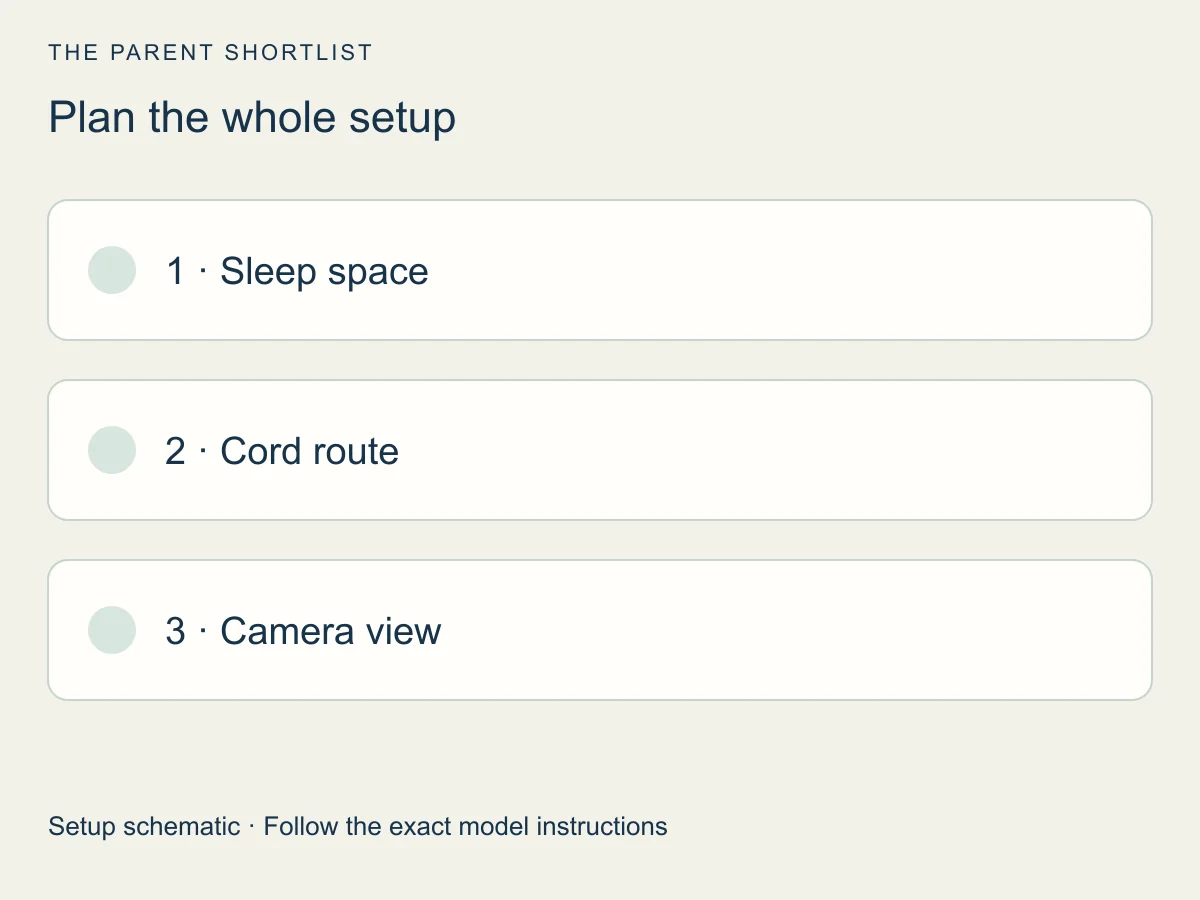
Sketch your room first: the outlet, the sleep space and the route the cord will take. Then pick a camera spot that keeps that route clear. The sections below cover mounting, the view and the signal.
Cord safety: distance and reach
Check the whole cord, from the outlet to the camera. Wall-mounted cords need the same check. If any part is too close or within a child's reach, change the camera spot or the cord route.
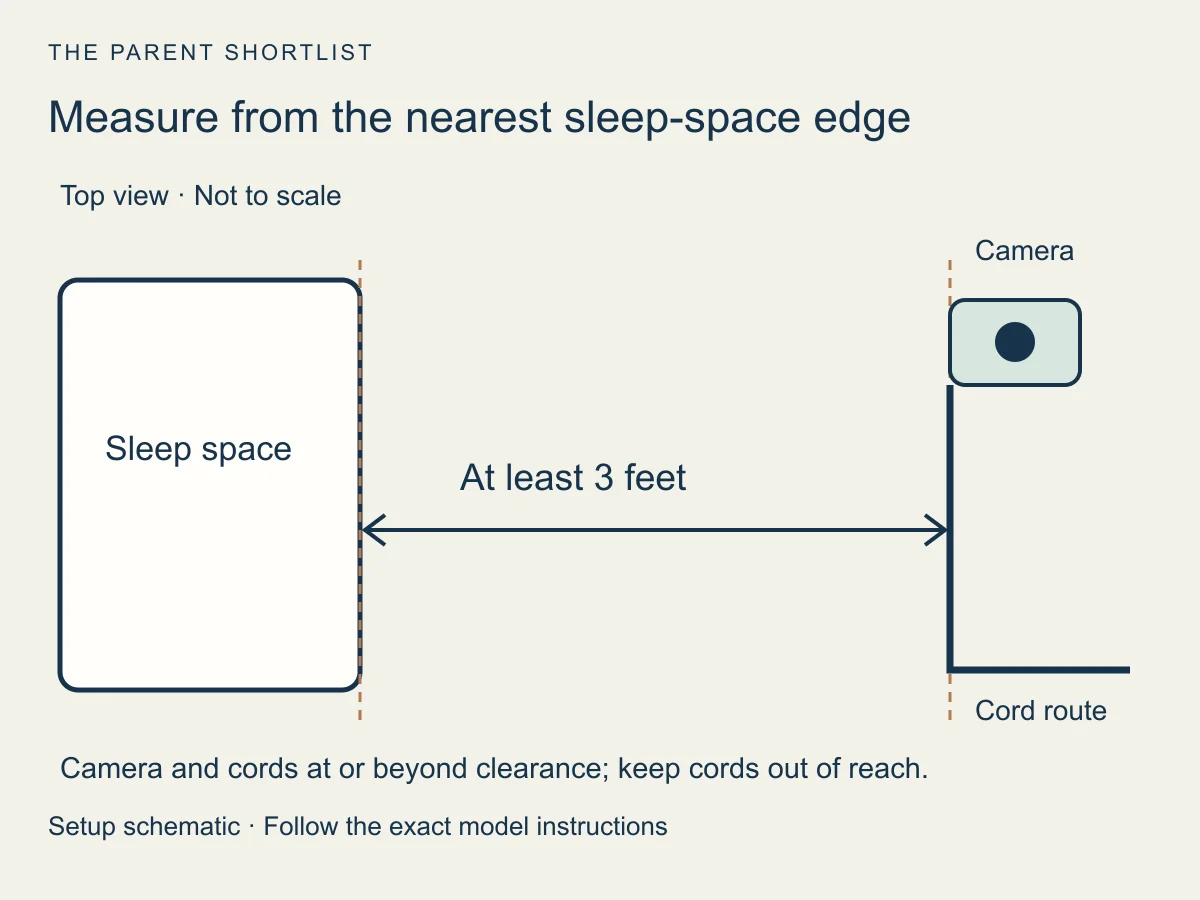
Recheck after any change, such as a moved crib or a child who can now stand or climb.
Mounting: let your model's manual decide
Decide where the mount and the cord will go before you fix anything in place. Then use the bracket and anchors your instructions call for, on a stable surface. Wall or shelf placement is an option only if your exact model's manual supports it.
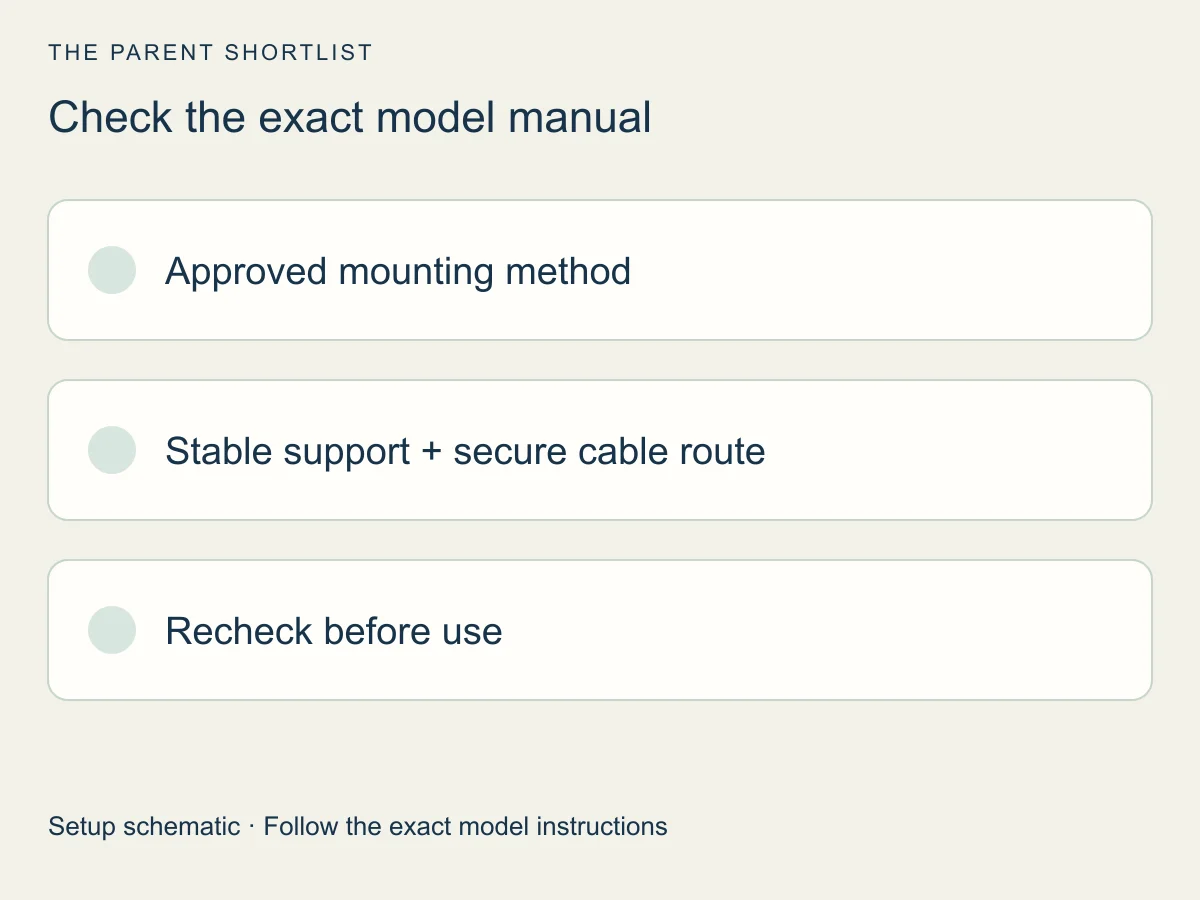
A manual is written for one model. Infant Optics lists manuals by model, such as the DXR-8 and the DXR-8 PRO, and eufy's E21 guide page names model T8354. Find your model number first, then follow that manual.
The full manuals were not accessible during this check; confirm included hardware and no-drill options directly in yours.
Check the view in daylight and at night
Check what the camera sees, not only where it sits. The picture should cover the mattress without blind spots, and the night picture can look different from the daytime one, so check both.
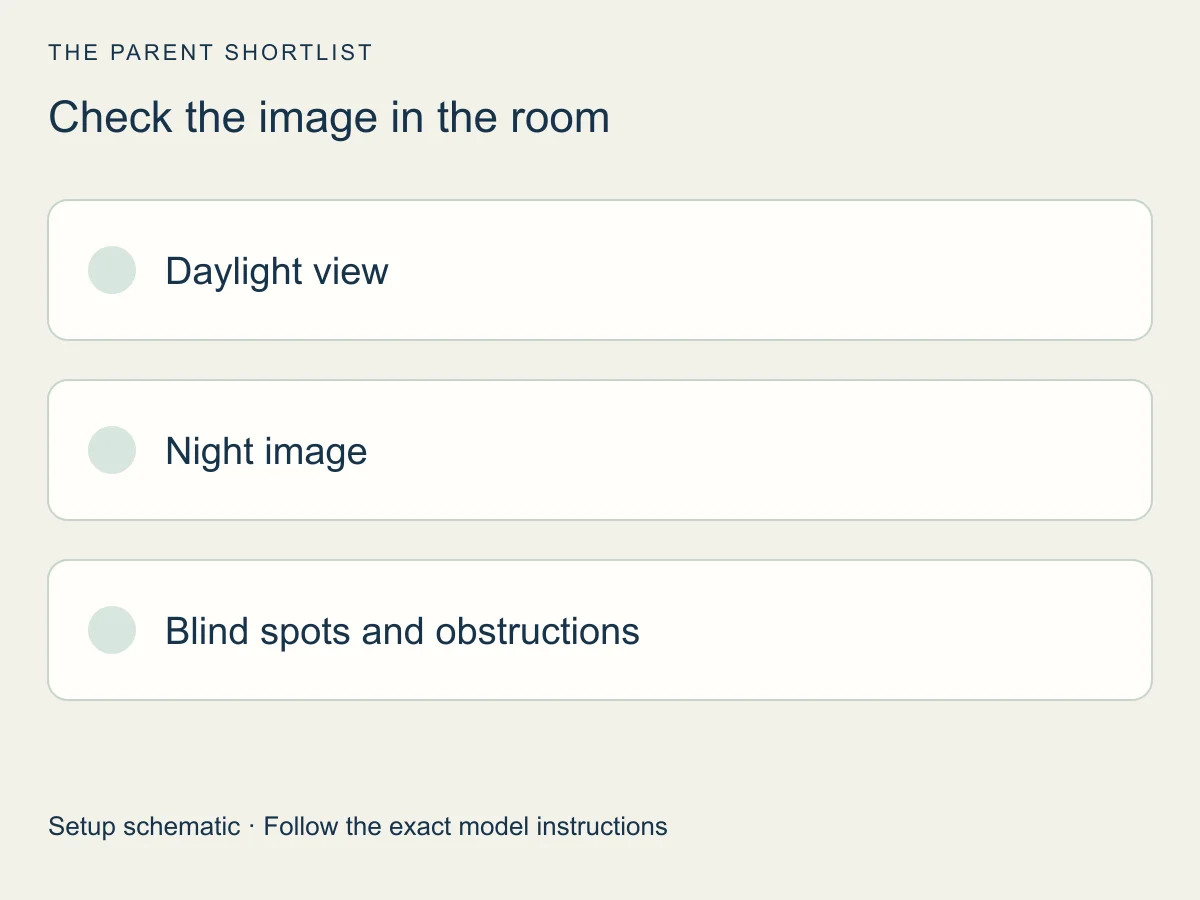
Do this with the crib empty and your device's instructions at hand. Compare the live picture in a lit room and in a dark one.
- Day: can you see the whole mattress, edge to edge?
- Night: does the picture still show what you need?
- Blind spots: does a curtain, shelf or tall furniture block part of the view?
- Moved the camera? Check the cord route again.
Check the signal where you will watch
A good-looking spot can still be a poor one for the connection. Test where the camera will sit and where you will watch from, following your device's own instructions. Monitors connect in different ways, so our comparison explains the options.
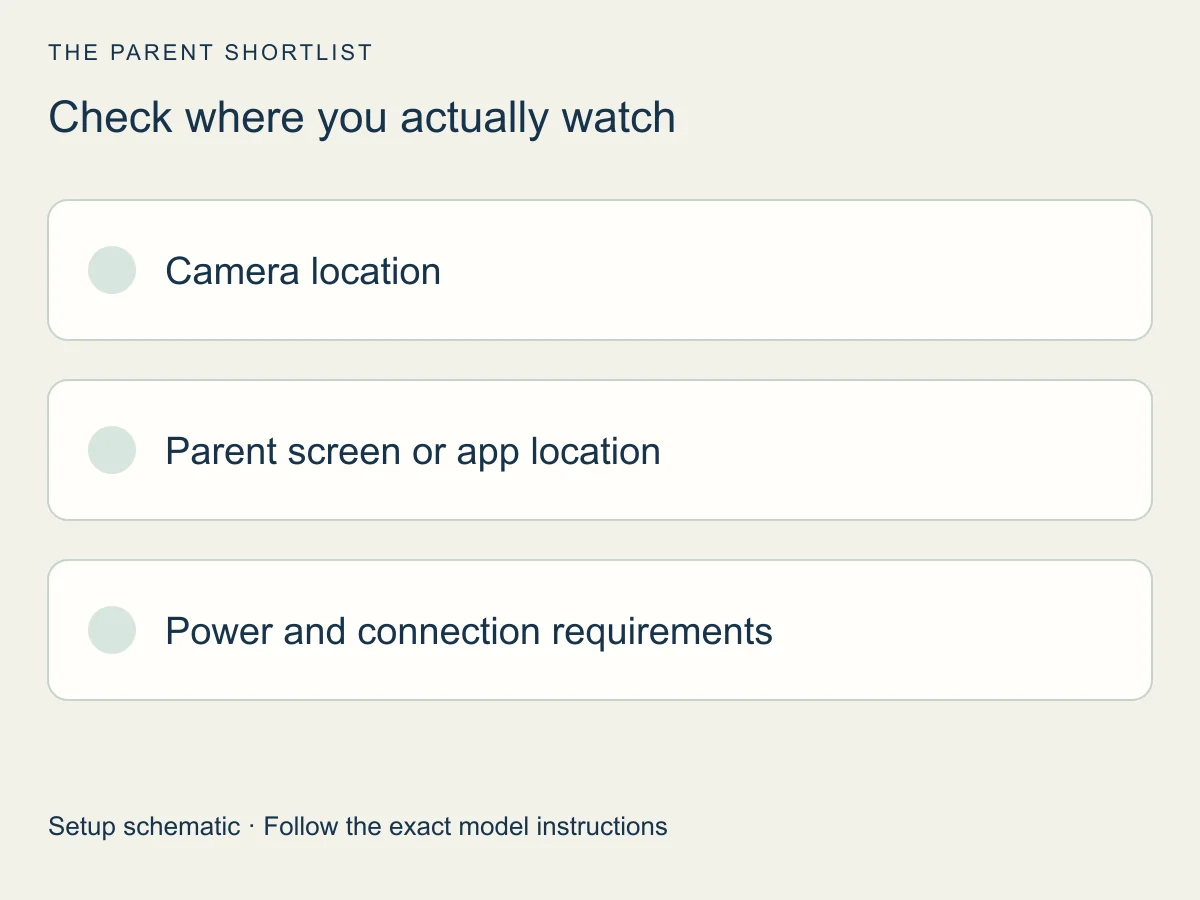
- List where you will watch from, such as your bedroom or the kitchen.
- Keep the camera and cords in their intended safe positions while checking each viewing location.
- Where the instructions allow, test before you fix a mount to the wall. If a place fails, change the plan and test again.
Questions about baby monitor placement
Short answers. For mounting, your model's manual has the final say.
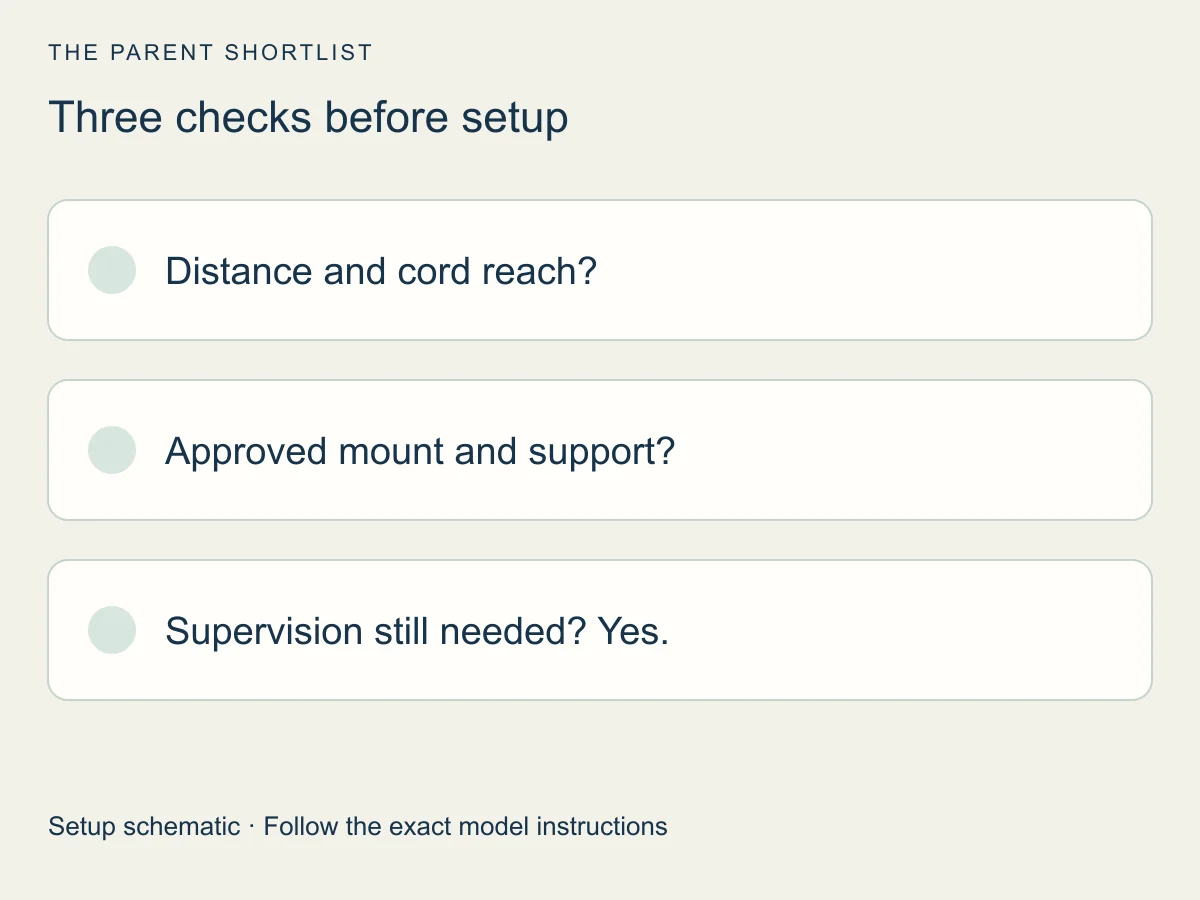
How far should the camera and cords be from the crib?
The CPSC says at least three feet for the monitor and cords; keep cords out of reach. Measure from the nearest part of the sleep space.
Can a monitor go on the crib rail?
No. The CPSC says never to put one inside the crib or on its edge.
Can I mount a monitor without drilling?
Only if your exact model's instructions support the mounting method. Confirm the support surface and hardware before using it.
Does a monitor replace supervision or safe sleep?
No. It is an extra way to look in, and a caregiver still supervises and follows safe sleep guidance. The FDA says no baby product has been cleared or approved to prevent or reduce SIDS.
Sources and how we checked
We checked these pages on October 26, 2026. This is desk research from CPSC and FDA guidance and from maker pages. We did not test any monitor or room, and we did not read full manuals. A maker's guide is general advice, not a manual for your model.
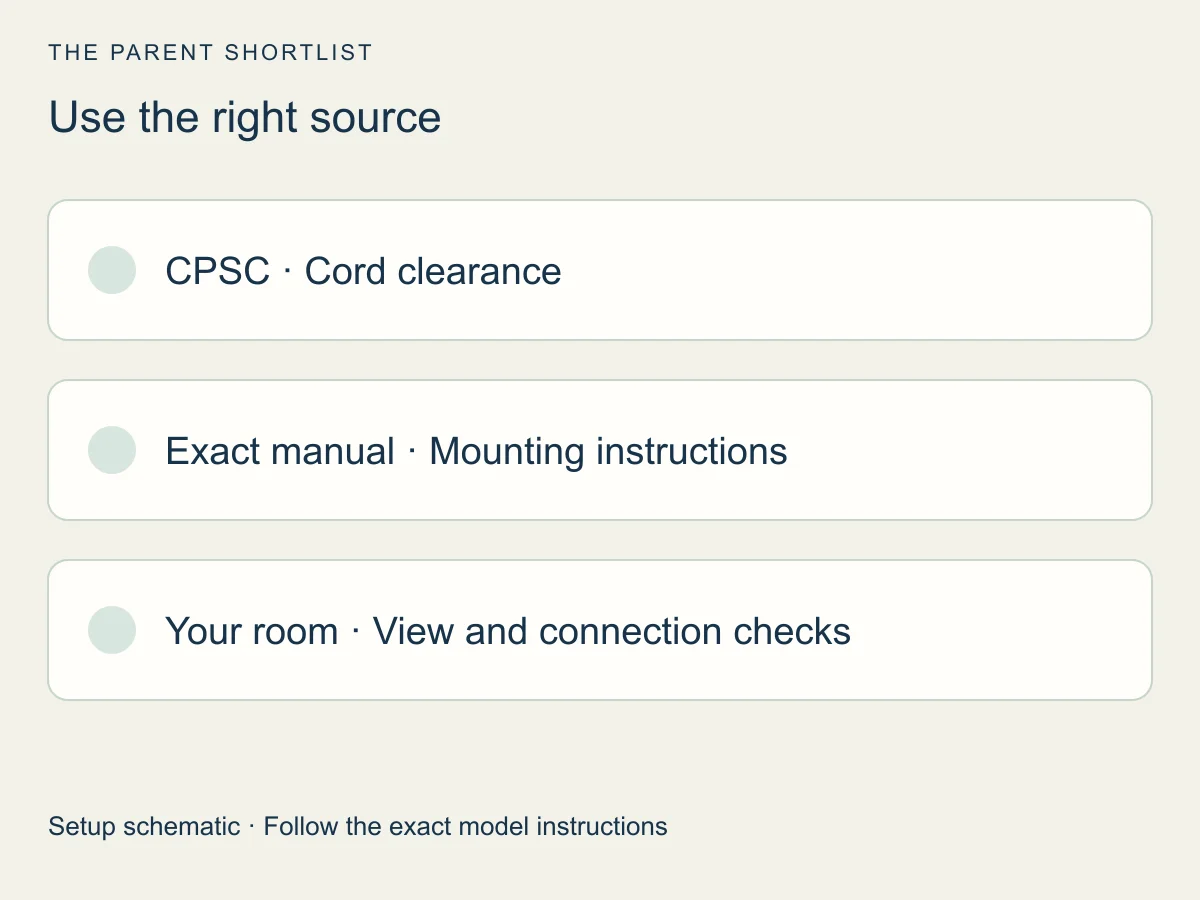
- CPSC: baby monitor cord safety guidance (PDF)
Primary source for cord distance and reach. A general baseline, not a complete mounting specification.
- eufy: baby monitor mount and safe install guide
A maker's editorial guide, updated May 6, 2026. General advice, not a model manual.
- Infant Optics support: manuals by model
Lists manuals separately by model. The linked PDF was an unreadable one-page image for us, so no mounting details are taken from it.
- eufy support: Baby Monitor E21 user guide page (T8354)
Identifies the model number. We could not read the full manual.
- FDA: baby products and SIDS prevention claims
Used only for the safe sleep boundary. No health monitoring claims are made here.