
WiFi or non-WiFi: the short answer
A non-WiFi baby monitor sends video from the camera to a parent screen that comes with it. A WiFi monitor connects the camera to your home network so a phone app can show the picture. Hybrid models offer both. Choose by asking what you are willing to depend on: a screen, your router, your internet connection, or a maker's app.
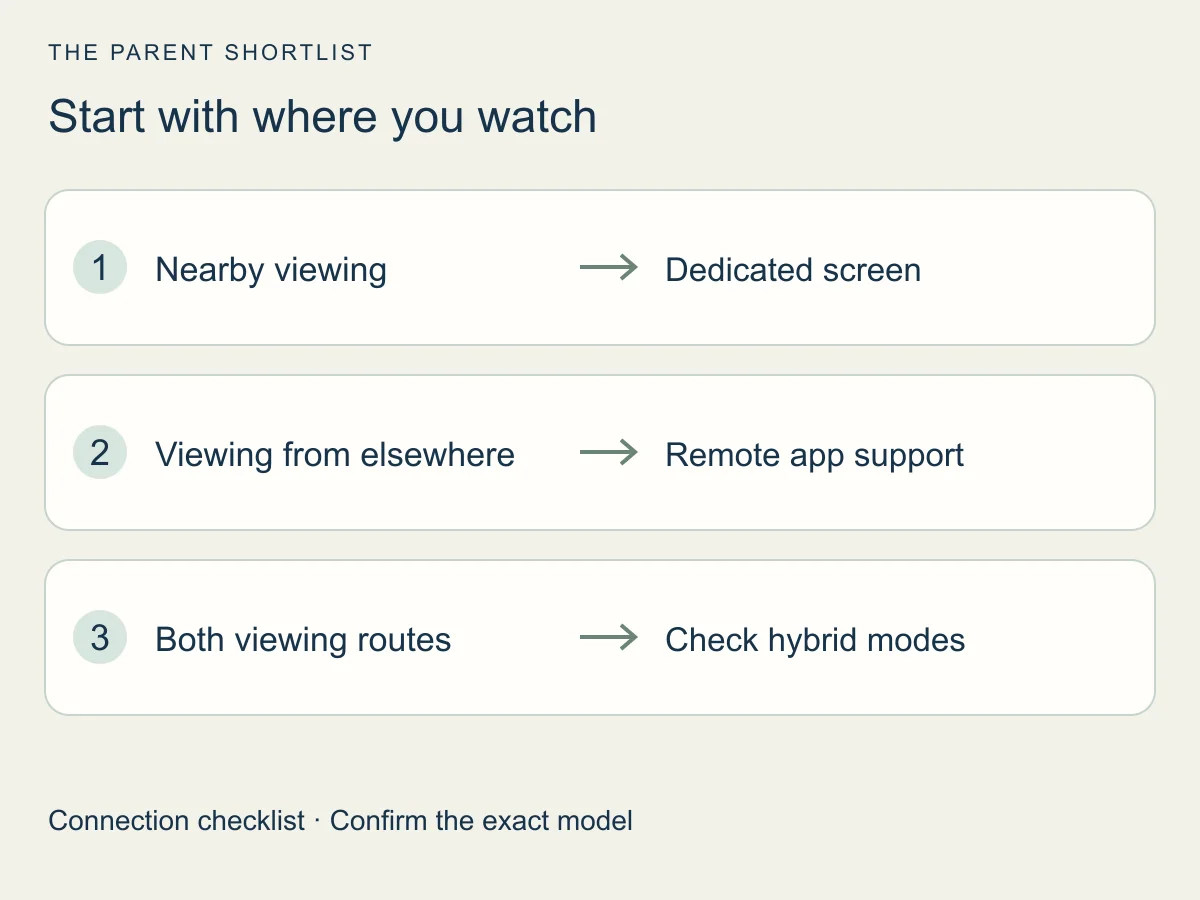
A monitor adds another way to look in. A caregiver still needs to supervise and respond.
This page is desk research from maker support pages and government guidance. We did not test any monitor, so the suggestions below are checks to run, not results.
See two video baby monitors on our shortlist →
Read the DXR-8 PRO research review →
HelloBaby HB6550 review: check camera modes and the exact kit →
The paths video can take
On a non-WiFi path, the camera talks straight to the parent screen. Infant Optics lists the DXR-8 PRO with no WiFi or apps, a direct signal and no cloud. It is our one local example. On a WiFi path, the camera joins your router and the app asks for the picture over that network.
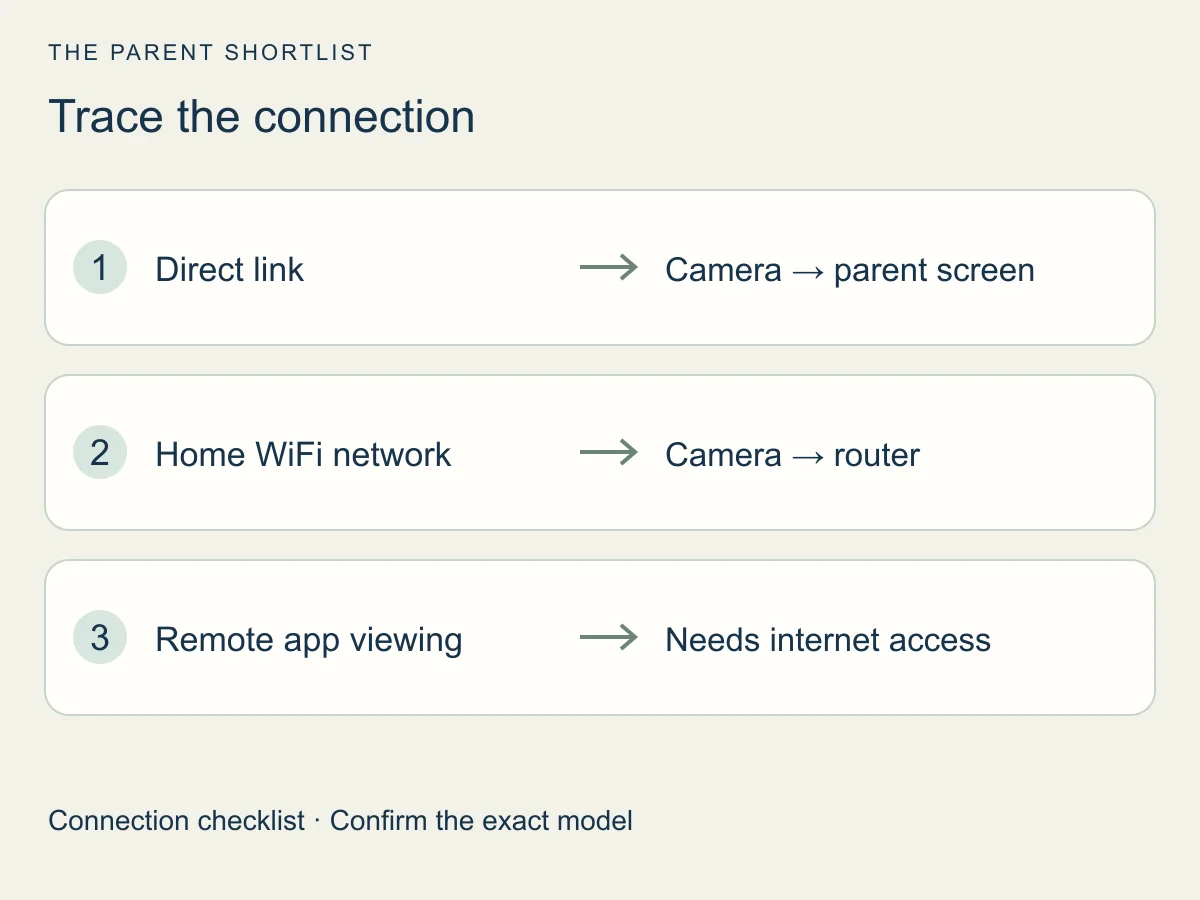
Your router and the internet are not the same thing. The router makes the WiFi network inside your home. The internet is the router's separate link to the outside. Nanit's support page splits the two when it asks owners to check the network and the internet separately.
That split gives you two kinds of viewing. Local viewing happens inside the home. Remote viewing means watching from somewhere else, which relies on the internet and not only on the home network.
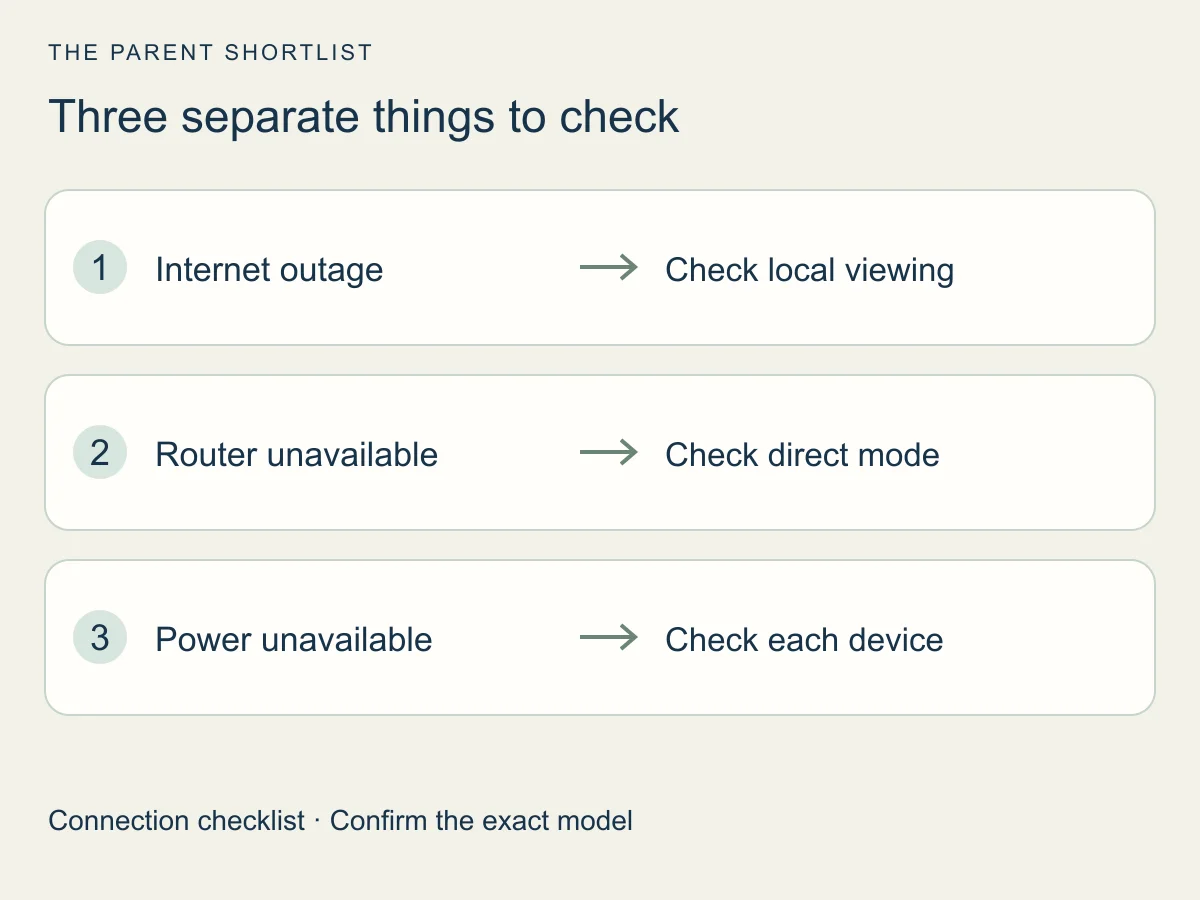
Does a WiFi monitor keep showing video at home if the internet drops? It depends on the design. The E21 is our hybrid example: eufy describes screen and app viewing. Its Smart Connect article describes several modes and says switching the camera's WiFi off stops app streaming on the models it covers. Check your exact model's instructions before relying on a mode.
What each setup depends on
Each path leans on different things. The table lists what to check, not what every model does. Wherever it says check, the answer depends on the exact model.
Setup can have its own demands. The eufy E20 and E21 app setup uses an eufy account and a 2.4 GHz WiFi network. That is a band your router sends out. It has nothing to do with mobile data. Another maker may ask for something different, so read the setup page for the exact model first.
| Feature | Non-WiFi screen | WiFi app | Hybrid |
|---|---|---|---|
| Viewing location | The parent screen that comes with the kit | A phone or tablet app; check whether your model also has a screen | Parent screen and phone app (the E21 lists a Local & Wi-Fi work mode) |
| Network | The DXR-8 PRO lists no WiFi or apps; confirm for other models | Camera joins your home WiFi; check which band your model needs | Home WiFi for the app part (E21 setup uses 2.4 GHz); check the mode you will use |
| Power | Camera and parent unit each need power; read the cord and battery details | Camera needs power; your router and phone need it too | Camera and parent unit need power; the router and phone do for app viewing |
| Account | No app login for DXR-8 PRO viewing: the maker lists no apps | Check what the app asks for before you buy | E21 app setup uses an eufy account; confirm what the screen needs |
| Subscriptions | The DXR-8 PRO lists no app, so there is no app plan | Check current terms for features such as video history | Confirm current terms for the app features you plan to use |
Privacy and access before the first night
A camera on your network or in an app deserves the same care as any home camera. The FTC suggests keeping software updated, using a unique password, adding a second login check, such as an authenticator code, if offered, checking encryption (how video is protected from being read) and securing your router. It also says to consider turning off remote viewing if you do not need it.
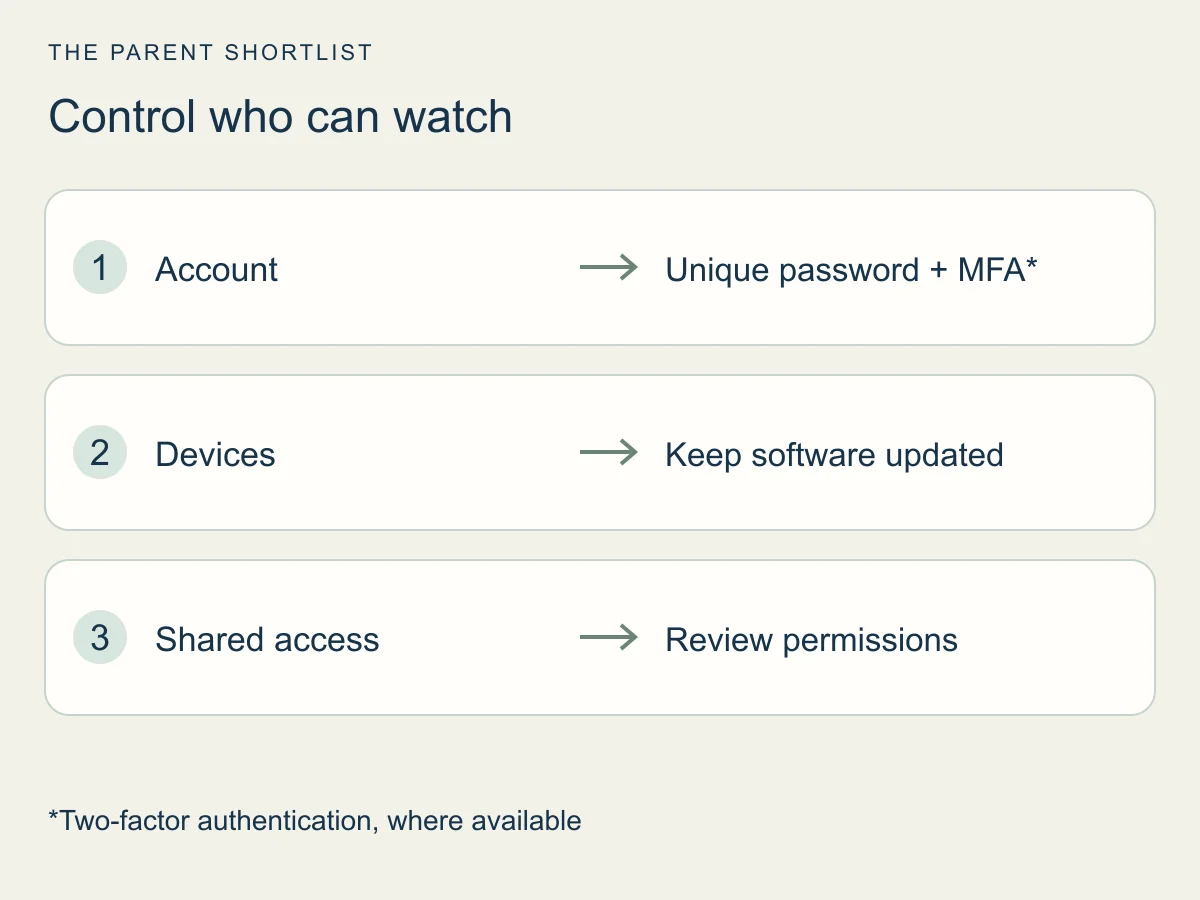
Decide who gets which kind of access. The FTC mentions separate permissions for different caregivers where a product supports them. Check that before you share your login with anyone.
A screen-only monitor takes the app and account out of the picture. That is a smaller setup, not a guarantee. We have not audited the security of any product.
Which setup fits your household
Start from your own week, not from the feature list. These prompts turn the differences above into questions you can answer at home.
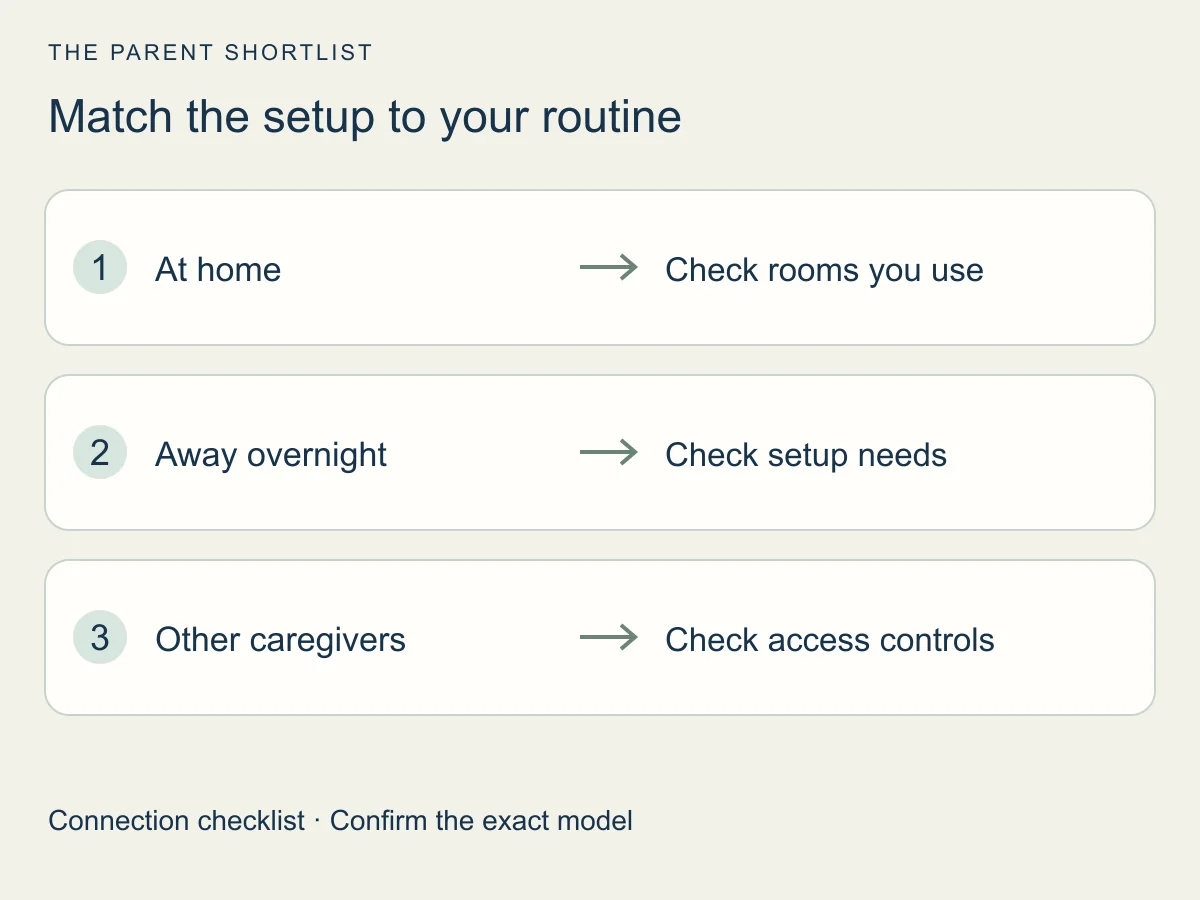
- Travel: will you take the camera with you? In a hotel, rental or relative's home, would the camera need to join a new network, and does your model's setup limit which one?
- Shared caregivers: who else needs to see the picture? Can they use a screen, or do they need an app login? If it is an app, can they get view-only access?
- Your router: do you control it? In a building where you do not, ask whether you can add a device before buying a WiFi model.
- Your internet: if it drops often, ask the maker how the monitor behaves then, and which mode you would use. Look for the answer in the manual, not in a guess.
- Hybrid: do you want the app only as a backup, or every day? The answer decides how much of the account and network setup you take on.
Questions parents ask about WiFi and non-WiFi monitors
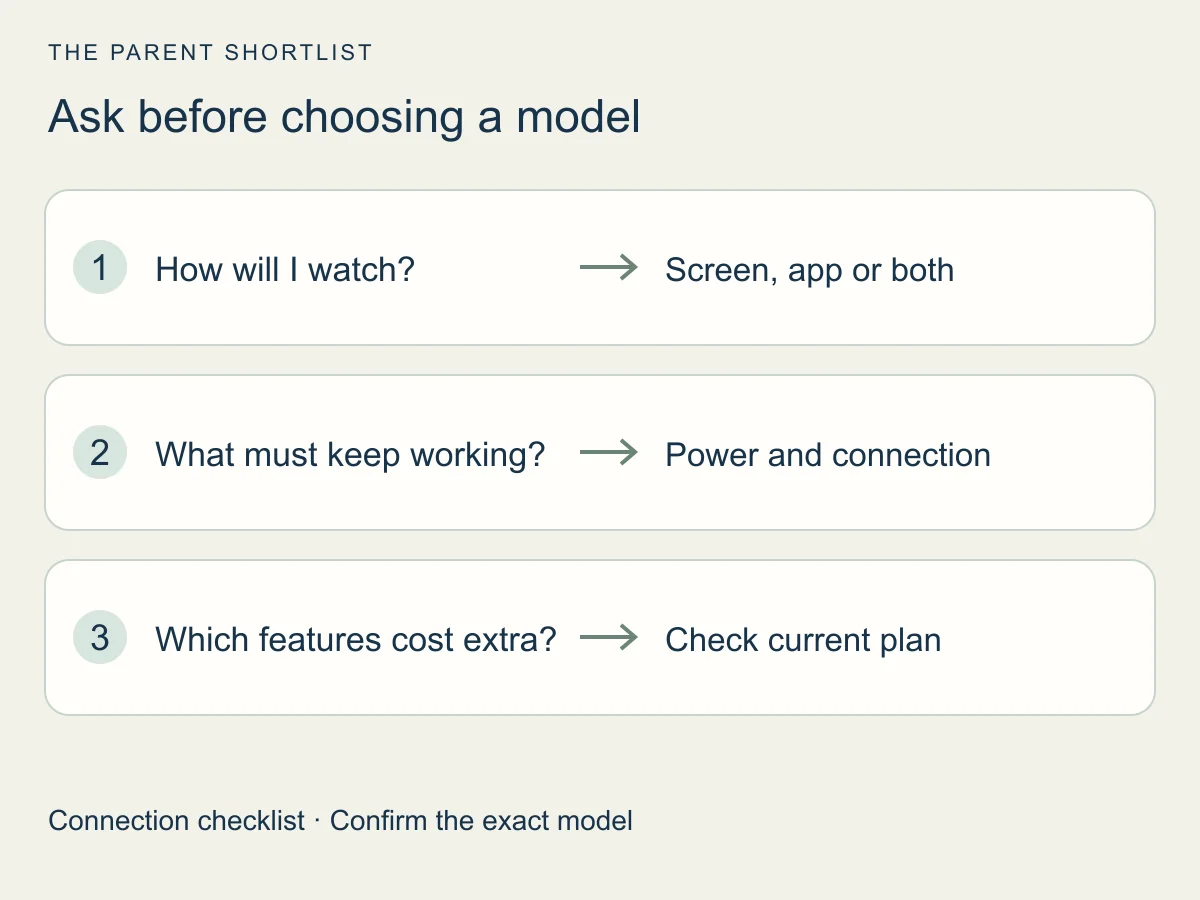
Before buying, confirm how you will watch, what needs to stay connected and which features cost extra.
Does a WiFi baby monitor work without internet?
It depends on the model. Home WiFi and the internet are separate, and some monitors list a local mode. We have not tested any. Check your model's guide for how it behaves when the internet is down.
What is a hybrid baby monitor?
A hybrid monitor offers a parent screen and a phone app. The eufy E21 lists a Local & Wi-Fi work mode. Read the modes for your model before counting on any fallback.
Is a non-WiFi monitor more private?
It removes the app and account from the setup. That makes the picture simpler, but it is not a security promise. The privacy section above lists checks for app-based models.
Does the 2.4 GHz label mean mobile data?
No. 2.4 GHz is a band your router can use for WiFi. The eufy E20 and E21 setup asks for it, and other models may ask for something else.
Sources and how we checked
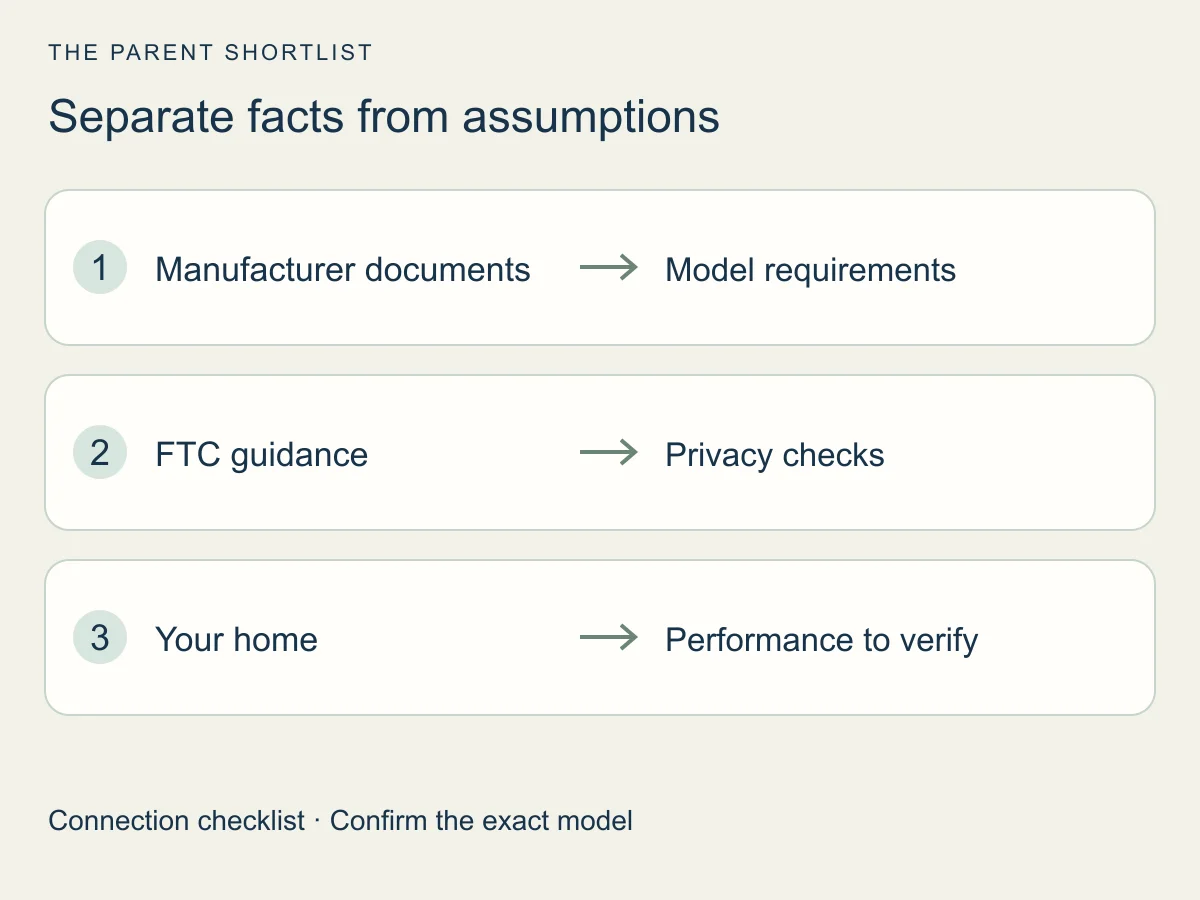
We checked these pages on October 26, 2026. This is desk research. Maker pages tell us what the makers say, not how a monitor performs in your home, and we did not read complete manuals.
- eufy US: E21 hybrid monitoring
Describes screen and app viewing; performance claims are not our test results.
- Infant Optics: DXR-8 PRO product page
Used for one local-screen example only.
- eufy support: Baby Monitor E21 model page
Lists a Local & Wi-Fi work mode. Used for one hybrid example only.
- eufy support: adding the E20/E21 to the app
Setup for these models. Other models may differ.
- eufy support: Smart Connect function description
Describes modes. It does not promise reliability or fallback.
- FTC: how to secure your home security cameras
General camera guidance, not a rating of any monitor.
- Nanit support: improving your Nanit's connection
Only the indexed excerpt was read. Used only for the WiFi network versus internet distinction. Not a recommendation.